

AI that knows what you've seen, said, or heard.
Screenpipe records your screen and mic 24/7, entirely on your own machine. Ask any AI about what happened — or wire your memory into the tools you already use, so meeting notes get written, your CRM gets updated, and the work you used to do by hand runs itself.
see screenpipe in action
watch how screenpipe transforms the way you interact with your digital life
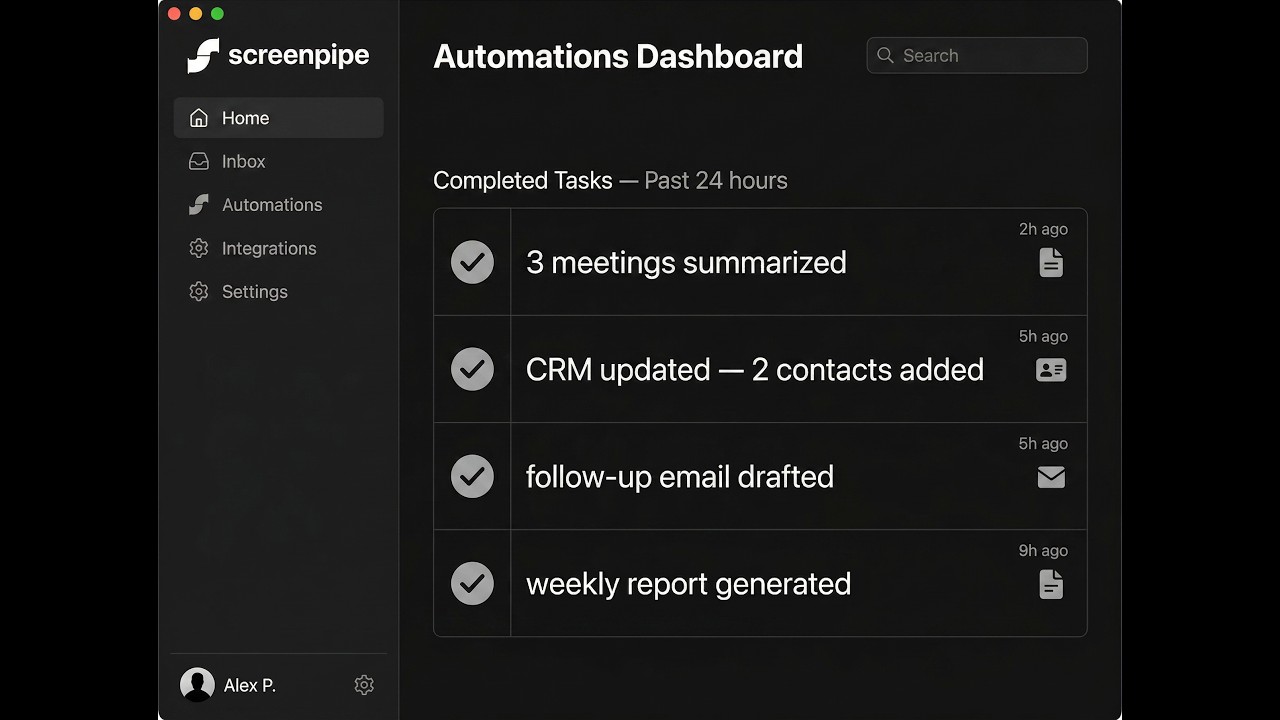
Screenpipe — Your AI Assistant That Sees Everything
See how Screenpipe watches your screen and works for you in the background
Your digital clone, on demand.
Claude Opus 4.7 · Gemma 4 Confidential · Qwen 3.5 · Video LLM — switch live
Your meetings, summarised the second they end.
Triggers on-device. Writes to your notes, Linear, GitHub, CRM.
When a meeting ends, write a summary + action items and push to your notes. Runs on-device.
---
name: meeting-notes
trigger: meeting_ended
model: local
---

When a meeting ends, write:
- 3-bullet summary
- Action items per person
- Decisions + next steps

Save to ~/notes/{date}_{app}.md
Click Simulate meeting end to see the notification.
Plug into the apps you already use.
Connect once. Pipes use them automatically.
Connect once. Your pipes use them automatically — Gmail for meeting follow-ups, HubSpot for CRM updates, Slack for notifications.